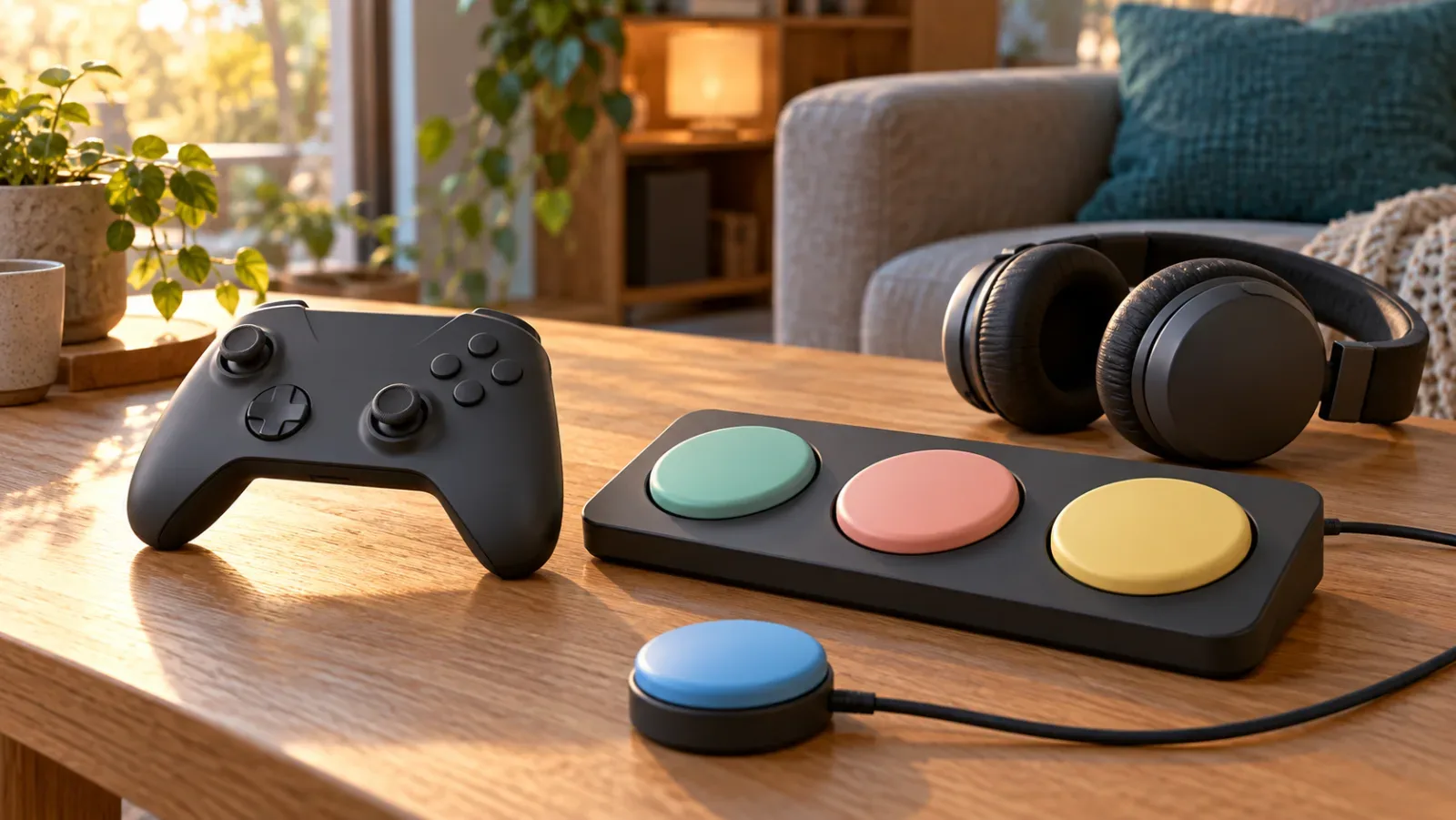
What is confirmed about accessibility in GTA 6
As of October 27, 2026, Rockstar has not published a list of accessibility options for GTA VI. The official game page, the pre-order announcement and the store listings describe the date, the platforms, the editions and the single-player structure, and none of them names a subtitle size setting, a colour-blind mode, an aim assist level or full button remapping.
The store pages fill in only three points that matter here:
- No accessibility tags on Xbox. The Xbox Store page for GTA VI has a slot for accessibility features, and it is empty. Its capability list reads Single player, Optimized for Xbox Series X|S, Xbox achievements, Xbox presence and Xbox cloud saves.
- English voices, subtitles in 13 languages. The Xbox product record marks English (United States) for interface, subtitles and audio, and 12 more languages for interface and subtitles without audio.
- DualSense effects. The PlayStation Store tags the game "Vibration function and trigger effect supported (DualSense wireless controller)", next to "Offline play enabled", "1 player" and "Remote Play supported".
So the in-game menu is still unknown. What you can set up before November 19 is the console layer underneath it, and both PS5 and Xbox Series X|S document a lot of it.
Why the empty tag slot is not a verdict
Microsoft's accessibility page explains that games in the Xbox Store "can now include Accessible Games Initiative tags", grouped into gameplay, auditory, visual and input features. The Accessible Games Initiative is a cross-industry scheme. Its own site says all game companies and storefronts are invited to use the tags, so a publisher does not have to fill them in.
An empty slot three weeks before launch therefore means Rockstar has declared nothing yet. It does not mean the game lacks the features. PlayStation has a similar per-game view: on PS5, PlayStation Support says you can open a game in the PlayStation Store and press the triangle button or open the side panel to see its accessibility features. That view is on the console, and the web listing we checked shows no accessibility section. On launch week, check both stores again before you draw a conclusion.
Subtitles matter more than usual here
Every official language list for GTA VI has one voice track, English. The other 12 listed languages (German, both Spanish variants, French, Italian, Japanese, Korean, Polish, Portuguese, Russian and the two Chinese variants) get menus and subtitles only. For a deaf or hard-of-hearing player, and for anyone who does not follow fast spoken English, the subtitles will carry the story.
Rockstar's history gives only a weak hint. In a 2022 menu walkthrough of the PS5 version of GTA V, the accessibility outlet Can I Play That? noted that subtitles were available, "but there's not option to increase their size", and that a Dialogue Boost setting helped make speech stand out. That describes an older game and says nothing certain about GTA VI. It is a reason to check the subtitle settings on day one rather than assume them.
The console's own caption settings do not fix this on their own. On PS5, Settings > Accessibility > Closed Captions lets you choose font size, colour, edges, opacity and background, but PlayStation Support notes that by default "the content determines the caption style". Xbox describes its closed captions as working with supported discs and video services. In-game subtitles are drawn by the game, so their size and contrast depend on what Rockstar ships.
PS5 settings you can set now
All of these sit under Settings > Accessibility on PS5, and PlayStation Support documents each one:
- Custom button assignments (under Controllers) remap the DualSense buttons system-wide. Select Apply to switch the layout on.
- Display and Sound holds Colour Correction with a choice of filter and intensity, High Contrast, Text Size, Bold Text and Reduce Motion. Invert Colours also lives here, but PlayStation notes that turning it on disables HDR.
- Zoom enlarges the screen with the PS and square buttons. It is not available during Remote Play, broadcasting or Share Screen.
- Screen Reader reads on-screen text in the console menus. It is offered only in some languages, tied to the console language.
- Mono Audio for Headphones is the one that is not under Accessibility: it is at Settings > Sound > Audio Output > Headphones, and it plays the same audio in both earpieces.
Chat Transcription is on the same menu, but it converts party voice chat. GTA VI is described as a single-player experience, so it matters only if you talk to friends while you play.
Xbox Series X|S settings you can set now
Xbox groups its options under Profile & system > Settings > Accessibility. Microsoft's accessibility page lists Narrator (a screen reader), Magnifier, colour filters for deuteranopia, protanopia and tritanopia that work "without impacting performance", high contrast for the console's own menus, closed captions, a break reminder and night mode.
Two features go further than settings:
- Button mapping. The Xbox Accessories app comes pre-installed on the console (My games & apps > See all > Apps). Choose your controller, select Configure, create a New profile and change the layout. Microsoft lists the Xbox Wireless Controller, the Elite Series 2, the Xbox Adaptive Controller, the Xbox Adaptive Joystick and many third-party joysticks as configurable.
- Xbox Controller Assist, formerly Copilot, links two controllers so they act as one. Turn it on from the primary controller under Settings > Accessibility > Controller > Xbox Controller Assist settings. The assisting player does not need to be signed in, and achievements go to the primary profile. Both players have full control, so a helper can cover the inputs the main player finds hardest.
Adaptive controllers on both consoles
Sony's Access controller works with profiles, and PlayStation's guide is specific enough to plan around. You can save up to 30 custom profiles under Settings > Accessories > Access controller > Profile Library and put three of them on the controller's profile button, so you can switch layouts mid-session. Each button can be set to a simultaneous press of two inputs, or to Button Toggle, which holds a button down after a single press. Stick sensitivity and deadzone are adjustable per profile.
Two cautions come straight from PlayStation's guide. The cross, circle and options buttons and the left stick (or directional buttons) are needed to operate the console, so a profile without them needs a second controller or the base profile. And if you see unexpected inputs in a game, check the in-game controller settings in case they clash with your profile. Since GTA VI's own control options are still unannounced, that is worth testing in the first minutes of play.
On Xbox, the Adaptive Controller connects to external switches, mounts and joysticks, and Controller Assist works with two Adaptive Controllers or the Adaptive Joystick.
What to check on launch day
- Open the GTA VI page in your own regional store and look again for accessibility tags (Xbox) or the accessibility panel (PS5).
- Start the game and go through the settings before the first mission: subtitle size and background, colour options, camera shake and motion, aiming and driving assists, and remapping.
- If the in-game menu cannot remap a control you need, set it at system level: PS5 Custom Button Assignments or an Access controller profile, or the Xbox Accessories app.
- Test your subtitle language. If you need a language other than English, it has to be one of the 13 that the store lists.
The language matrix and the exact unlock times are on our GTA 6 launch day page. If a store or Rockstar publishes accessibility details before launch, we will add them here with the source and the date. For the rest of the confirmed record, see everything Rockstar has confirmed about GTA 6.